
QR codes are everywhere — restaurant menus, business cards, store windows, event flyers, and product packaging. If you’ve ever needed to create one and didn’t know where to start, this guide walks you through exactly how to make a QR code for free in under two minutes, with no sign-up and no watermark.
What Is a QR Code?
A QR code (Quick Response code) is a type of two-dimensional barcode that stores information — typically a URL, text, or contact details — that can be read instantly by any smartphone camera.
Unlike traditional barcodes that only store numbers, QR codes can hold hundreds of characters of data in any direction. Point your phone camera at one and it instantly opens a link, connects to WiFi, or displays contact information.
QR codes were invented in 1994 by Denso Wave in Japan for tracking car parts. Today they’re used by millions of businesses and individuals worldwide for everything from menus to marketing campaigns.
What Can You Put in a QR Code?
Most people think QR codes only link to websites, but they can store many types of information:
- URL — links to any website, landing page, or social media profile
- WiFi — lets people connect to your WiFi network with a single scan, no password typing
- Email — opens a pre-addressed email draft with subject and body pre-filled
- Phone — initiates a phone call when scanned
- SMS — opens a pre-written text message
- vCard — saves contact information directly to the phone’s contacts
- Plain text — displays any message when scanned
For businesses, the most useful types are URL, WiFi, and vCard.
How to Create a QR Code for Free on SnapHQ
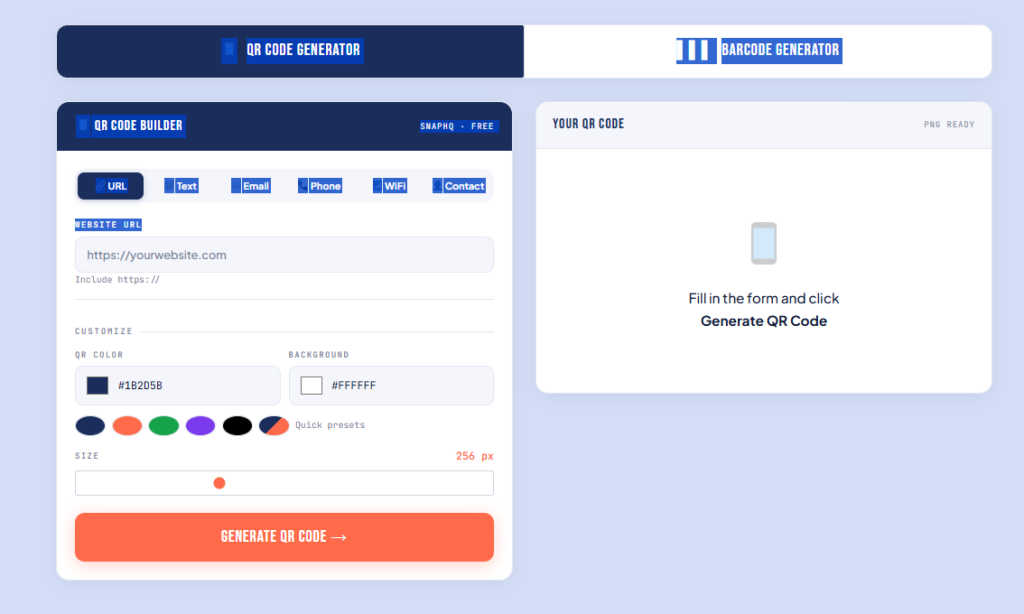
SnapHQ’s free QR code generator creates QR codes instantly — no account, no watermark, no expiry date. Here’s how:
Step 1 — Open the QR Code Generator
Go to snaphq.net/free-qr-codes-barcodes-generator. No sign-up screen, no email required.
Step 2 — Choose Your QR Code Type
Select what your QR code will contain. For most people this is URL — paste your website, Instagram link, menu page, or any URL.
Step 3 — Enter Your Content
Type or paste the information you want encoded. The QR code preview updates in real time as you type.
Step 4 — Download
Click Download QR Code. Your QR code saves directly to your device — no watermark, no expiry. It’s yours to use however you like.
How to Create a WiFi QR Code for Your Business
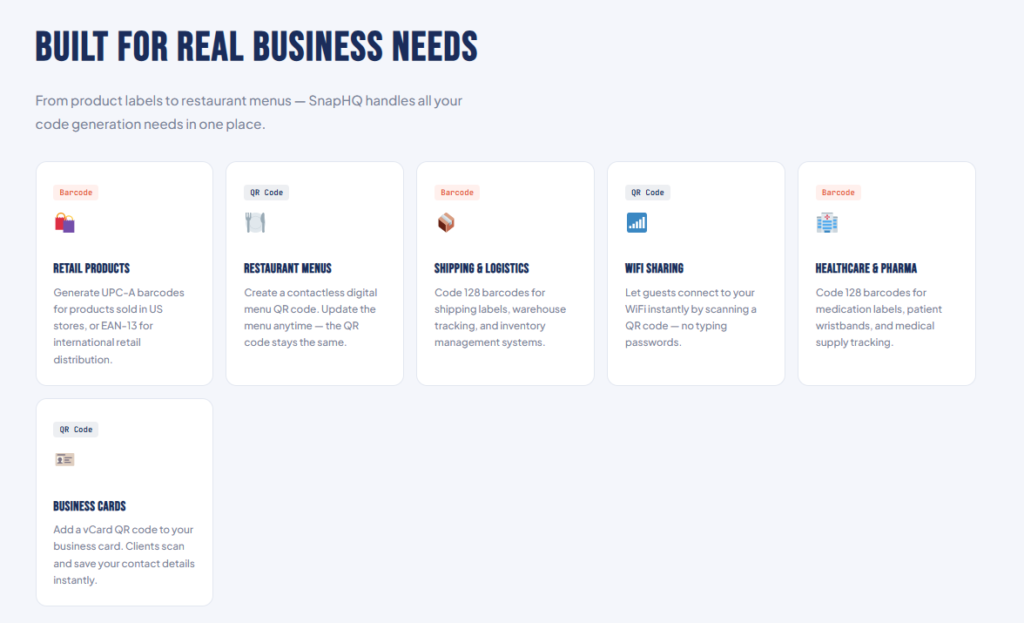
A WiFi QR code lets customers connect to your network instantly — no password sharing needed. Perfect for cafés, restaurants, hotels, offices, and retail stores.
- Go to snaphq.net/free-qr-codes-barcodes-generator
- Select WiFi as the QR code type
- Enter your network name and password
- Select WPA/WPA2 as security type
- Download and print or display
How to Create a QR Code for Your Menu
- Upload your menu as a PDF to Google Drive or your website
- Get the shareable link
- Go to the QR code generator
- Select URL and paste your menu link
- Download and print on table cards
When you update your menu, just update the file at the same link — the QR code works without reprinting.
Do Free QR Codes Expire?
Static QR codes never expire. The information is encoded directly in the code itself. As long as the URL you linked to stays active, the QR code works forever — no monthly fee, no renewal.
Dynamic QR codes (from paid services) can be edited after creation but are hosted on the provider’s servers. Stop paying and they break. For most use cases, free static QR codes are all you need.
What Size Should a QR Code Be?
| Use Case | Minimum Size | Recommended |
|---|---|---|
| Business card | 2 × 2 cm | 2.5 × 2.5 cm |
| Flyer | 3 × 3 cm | 4 × 4 cm |
| Poster | 4 × 4 cm | 6 × 6 cm |
| Storefront window | 10 × 10 cm | 15 × 15 cm |
The scanning rule: people typically scan from about 10× the QR code width. When in doubt, go bigger.
Frequently Asked Questions
Are free QR codes really free?
Yes — SnapHQ’s generator is completely free. No account, no watermark, no expiry, no limits.
Can I use a free QR code commercially?
Yes. QR codes generated on SnapHQ are yours to use for business cards, menus, marketing materials, or anything else.
Can I edit a QR code after creating it?
Static QR codes cannot be edited. If you change the destination URL, create a new QR code. Link to a page you control so you can update the content without changing the QR code.
What’s the difference between a QR code and a barcode?
A barcode stores numbers in one dimension — used for retail product scanning. A QR code is two-dimensional and stores much more data. SnapHQ generates both — try it here.
Why won’t my QR code scan?
Common reasons: image too small, too much data making it too dense, low contrast, or blurry print. Download at a larger size and test on two different phones before printing.
Create Your QR Code Now — Free
No account. No watermark. No expiry. Ready in seconds.
SnapHQ is a free suite of online tools for freelancers and small businesses. Explore all 11 free tools.
